
Introduction
“Many beginners ignore important WordPress settings for beginners while creating their website. These settings help improve SEO, security, speed, and overall website performance.”
Agar tumne abhi WordPress install kiya hai, to sirf theme aur plugins install karna enough nahi hota.
Bahut se beginners kuch important settings ignore kar dete hain, jiski wajah se website slow, unorganized ya SEO-unfriendly ho jati hai.
Is guide me hum un important WordPress settings ke bare me baat karenge jo har beginner ko website start karte hi change kar leni chahiye.
1. Change Site Title and Tagline
Sabse pehle:
WordPress Dashboard
Settings
General
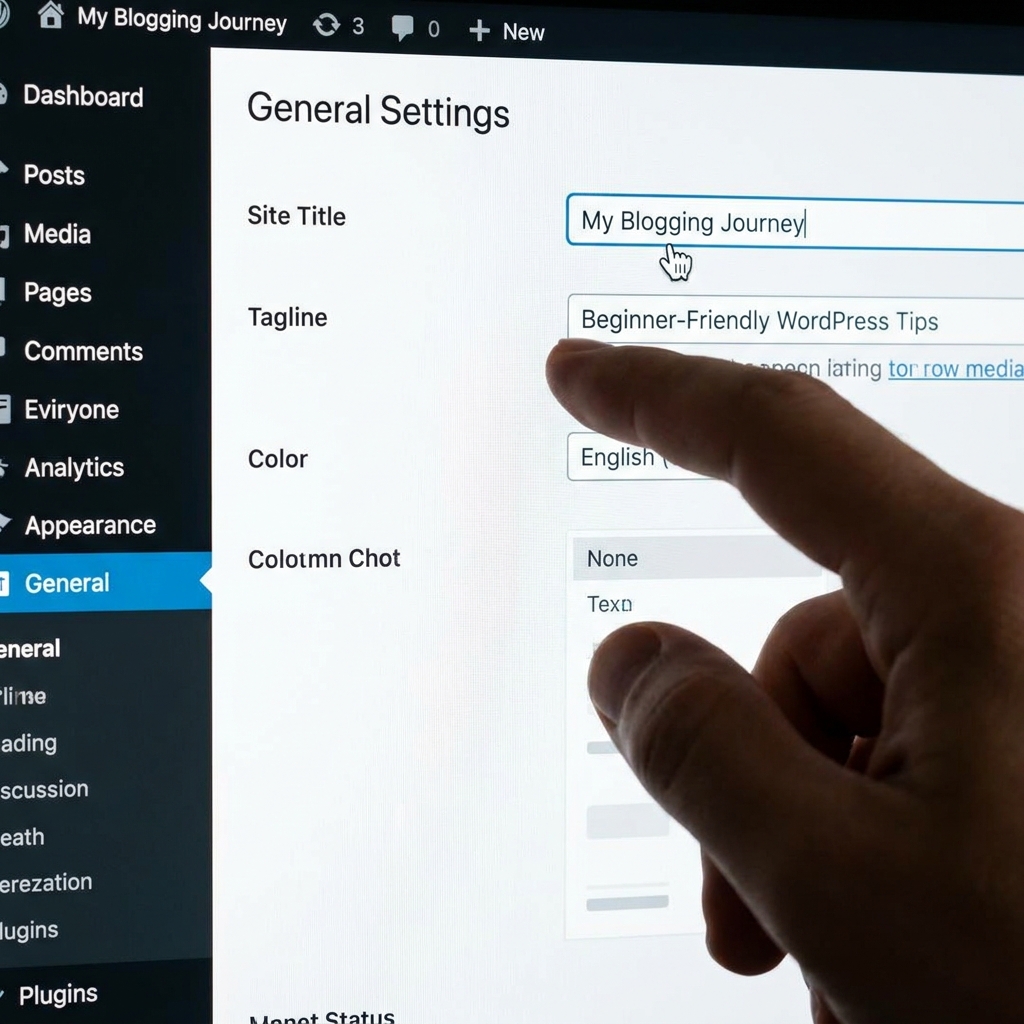
Yaha apni website ka:
Site Title
Tagline
properly set karo.
Example:
Site Title: My Blogging Journey
Tagline: Beginner Friendly WordPress Tips
Ye branding aur SEO dono ke liye important hota hai.
2. Set SEO-Friendly Permalinks
Default WordPress links messy hote hain.
Example: yourwebsite.com/?p=123
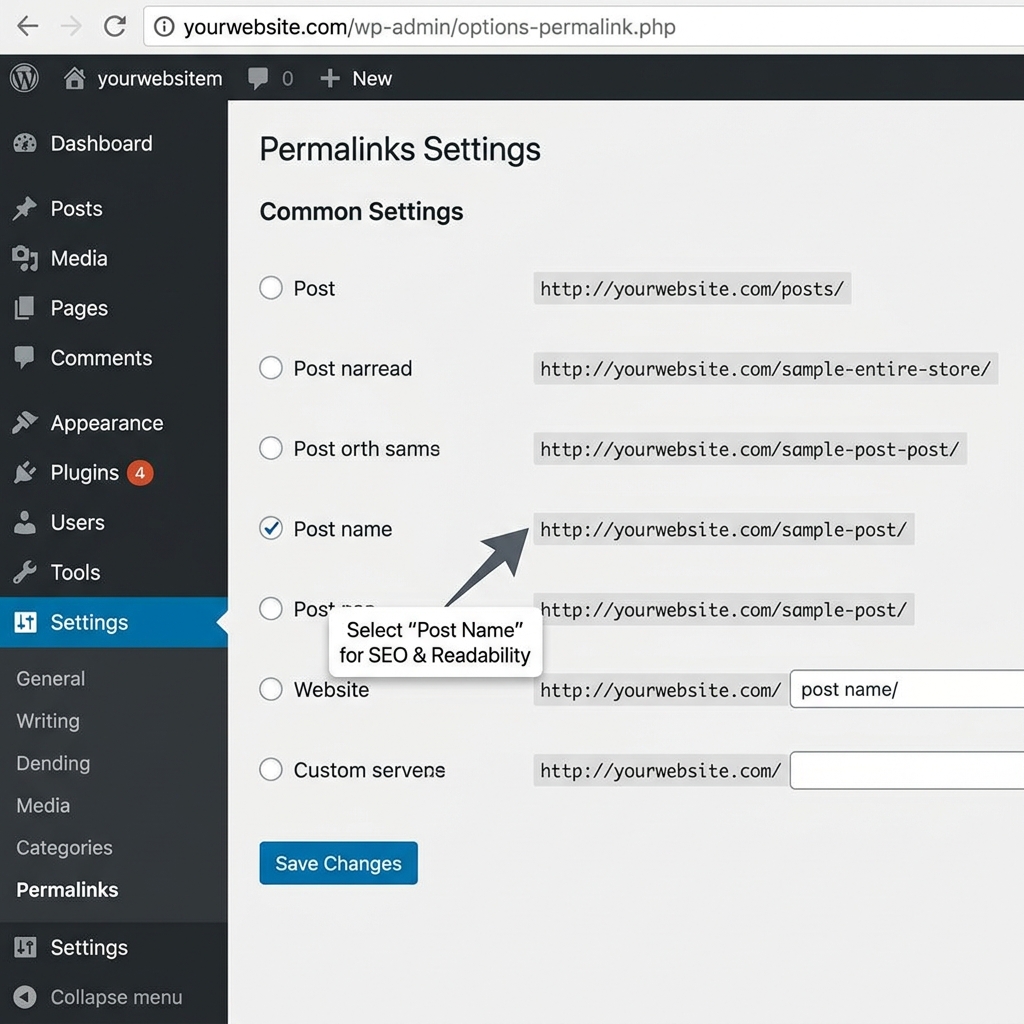
Isko clean format me change karo: yourwebsite.com/sample-post
Steps:
Settings
Permalinks
Select “Post Name”
Ye SEO aur readability dono improve karta hai.
3. Check Reading Settings
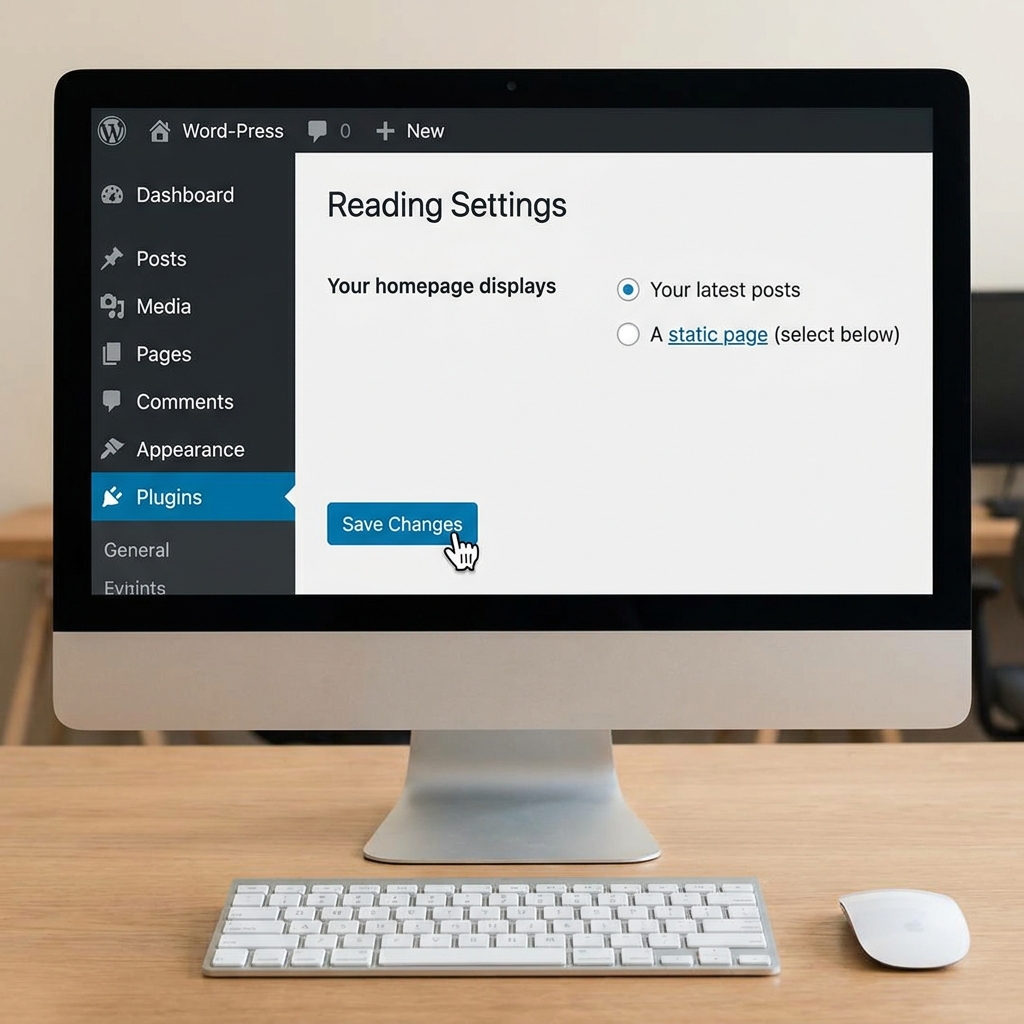
Dashboard → Settings → Reading
Yaha decide karo:
Homepage kya hogi
Latest posts show karne hain ya static page
Agar blog bana rahi ho, to “Latest Posts” better option hota hai.
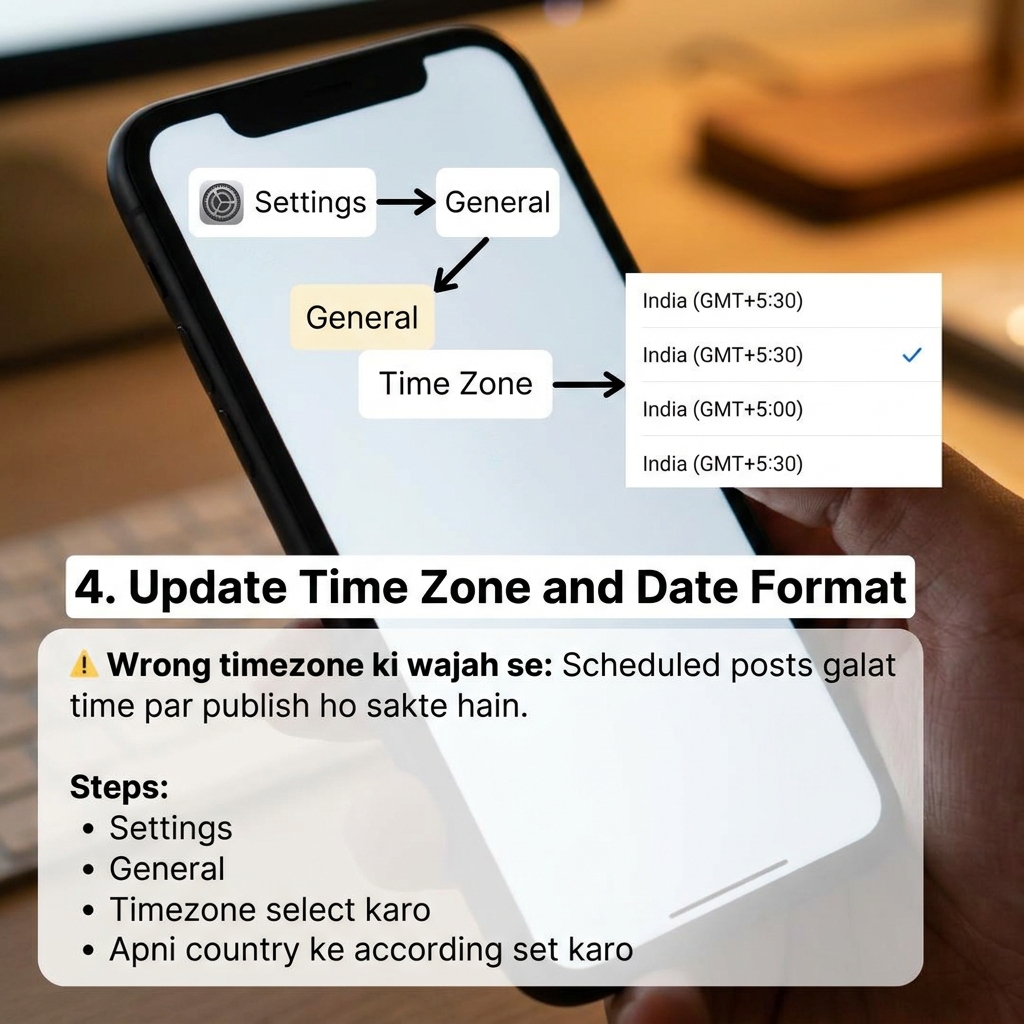
4. Update Time Zone and Date Format
Wrong timezone ki wajah se:
Scheduled posts galat time par publish ho sakte hain.
Steps:
Settings
General
Timezone select karo
Apni country ke according set karo.
5. Manage Discussion Settings
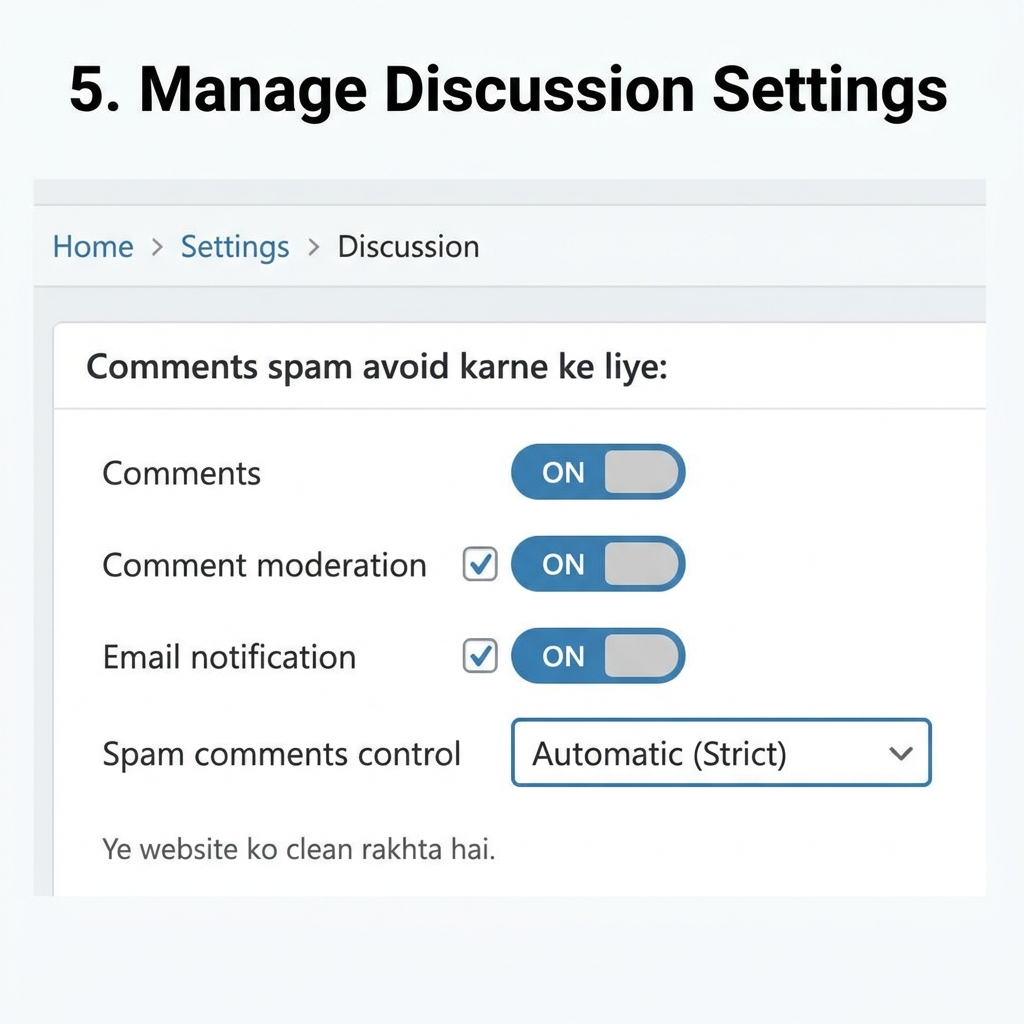
Comments spam avoid karne ke liye:
Settings
Discussion
Important changes:
Comment moderation ON
Email notification ON
Spam comments control
Ye website ko clean rakhta hai.
6. Delete Default Content
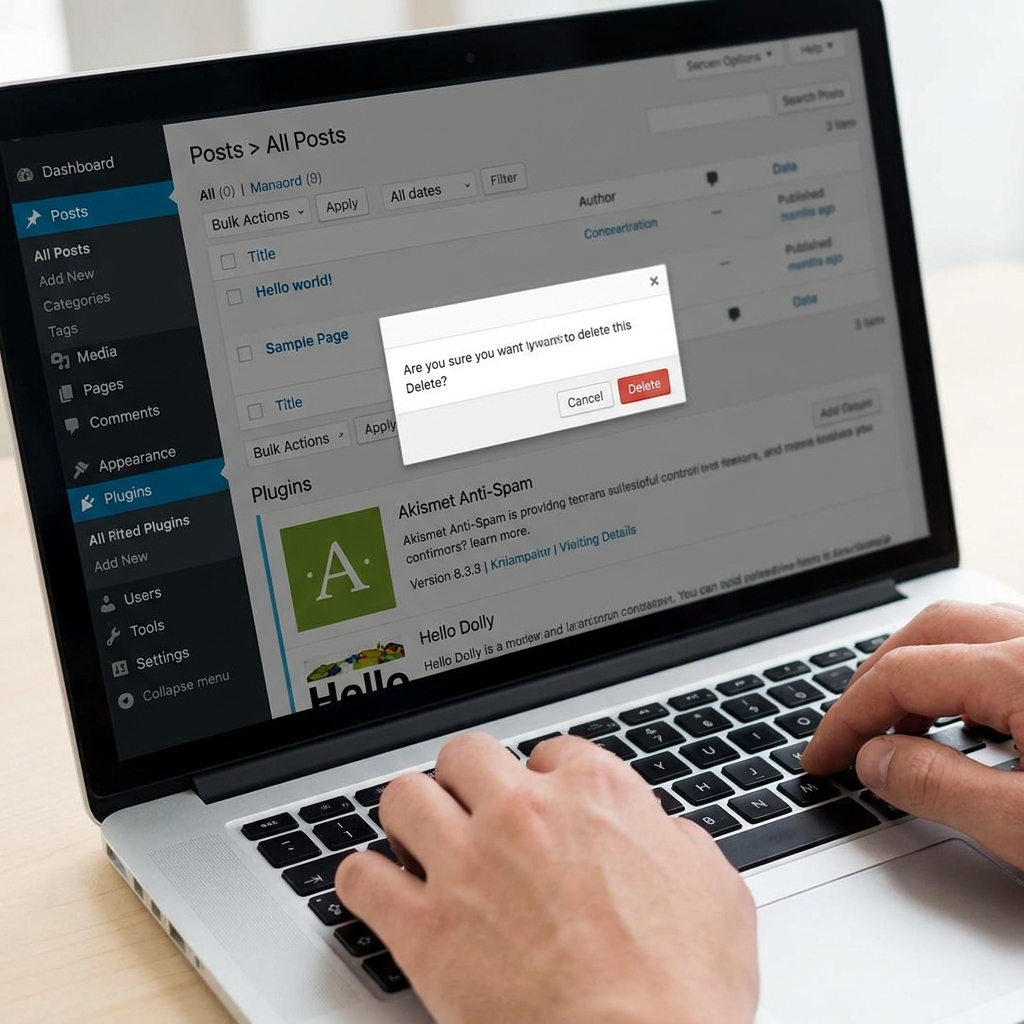
WordPress installation ke sath:
Sample page
Hello world post
Default plugins
aate hain.
Inhe delete kar do taaki website professional lage.
7. Upload a Site Logo and Favicon
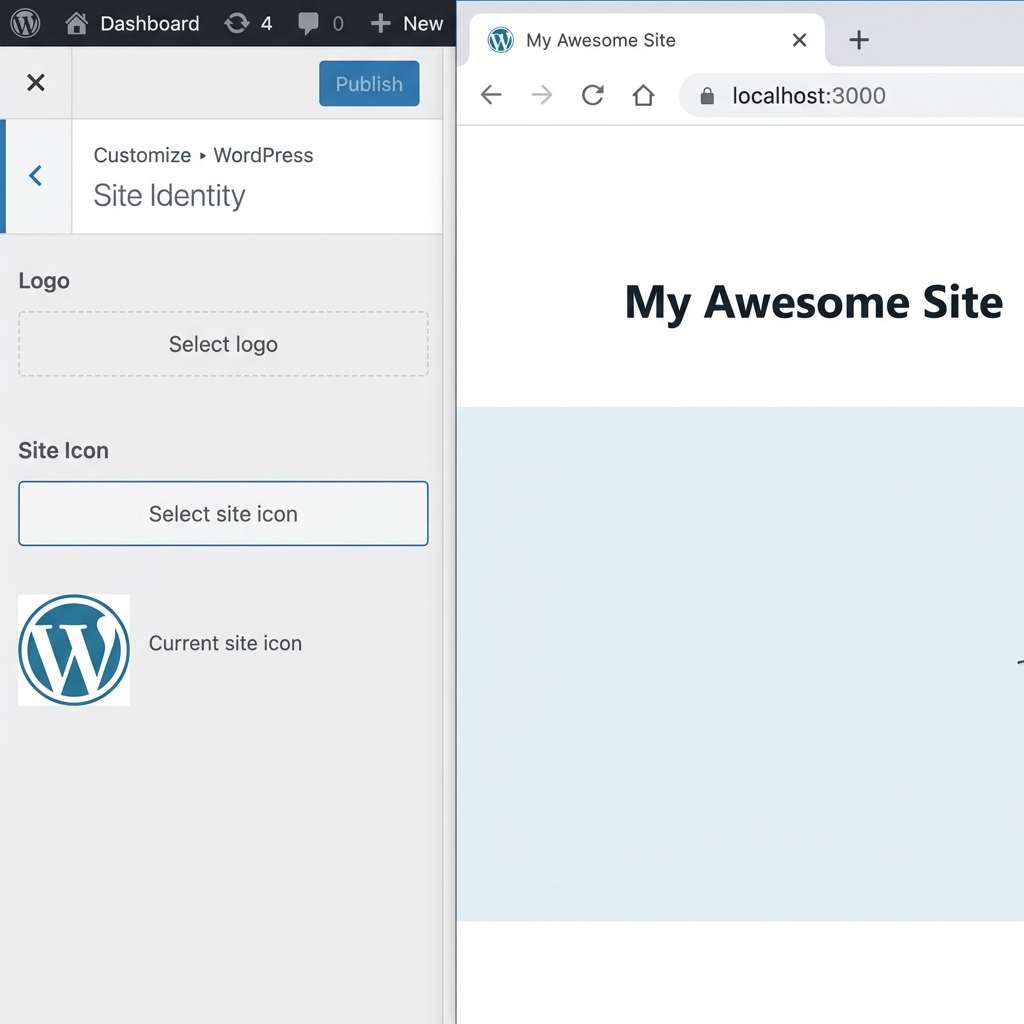
Logo aur favicon branding improve karte hain.
Steps:
Appearance
Customize
Site Identity
Yaha:
Logo
Site icon (favicon)
upload karo.
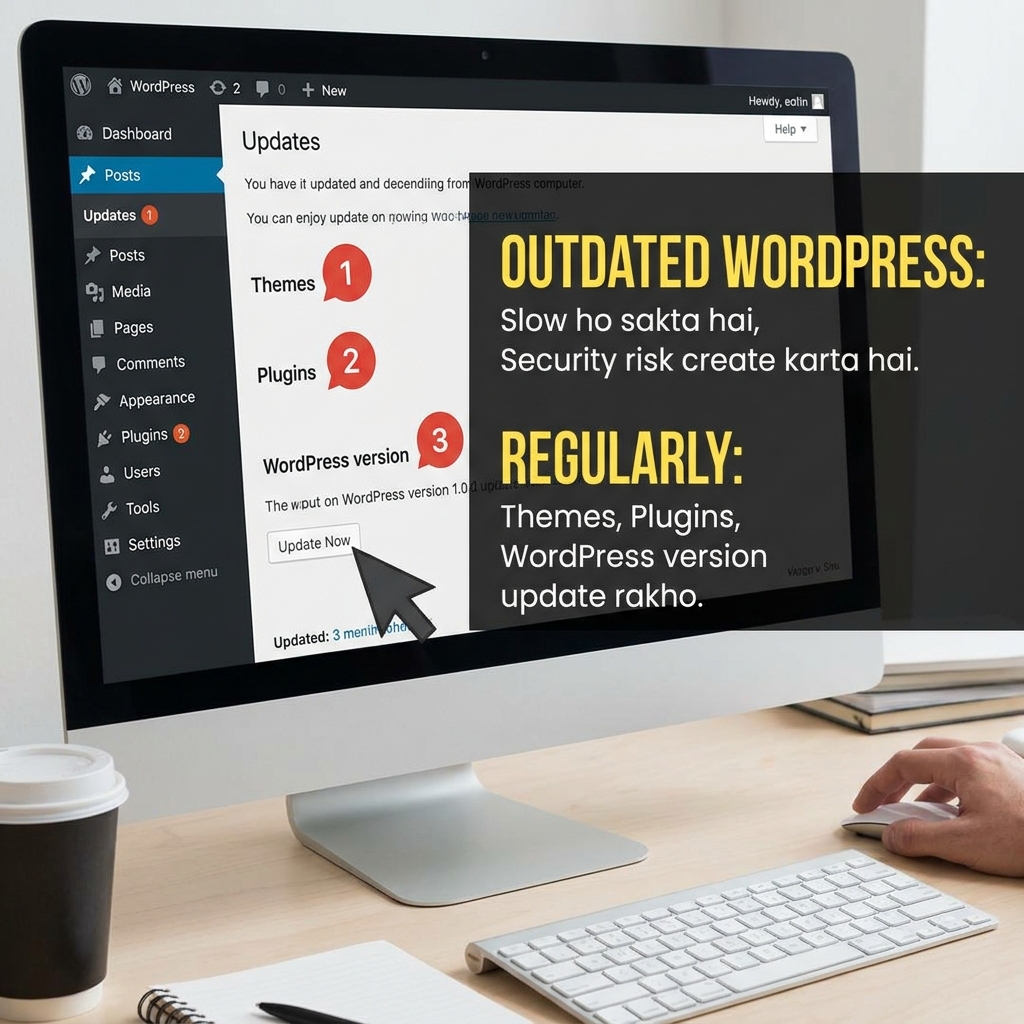
8. Keep WordPress Updated
Outdated WordPress:
Slow ho sakta hai
Security risk create karta hai
Regularly:
Themes
Plugins
WordPress version
update rakho.
Conclusion
Agar tum beginner ho, to ye small settings future me bahut bada difference create karti hain.
Ek properly configured WordPress website:
Faster hoti hai
Professional lagti hai
SEO-friendly banti hai
Better user experience deti hai
Website install karne ke baad in settings ko zarur check karo.
Today I published a beginner-friendly guide on important WordPress settings every new blogger should change for better SEO, security, and performance.”
CTA: “What was the first thing you changed after installing WordPress?”