
Introduction
Agar aap apni website ko modern aur eye-catching look dena chahte ho, to Neon Button Design ek amazing option hai 🔥
Aaj kal futuristic websites me glowing neon buttons kaafi trend me hain because ye:
- stylish lagte hain
- user attention grab karte hain
- CTA buttons ko highlight karte hain
Aur best part?
Aap Elementor me easily without coding neon buttons create kar sakte ho 😊
Is tutorial me hum step by step ek modern neon glow button banana seekhenge.
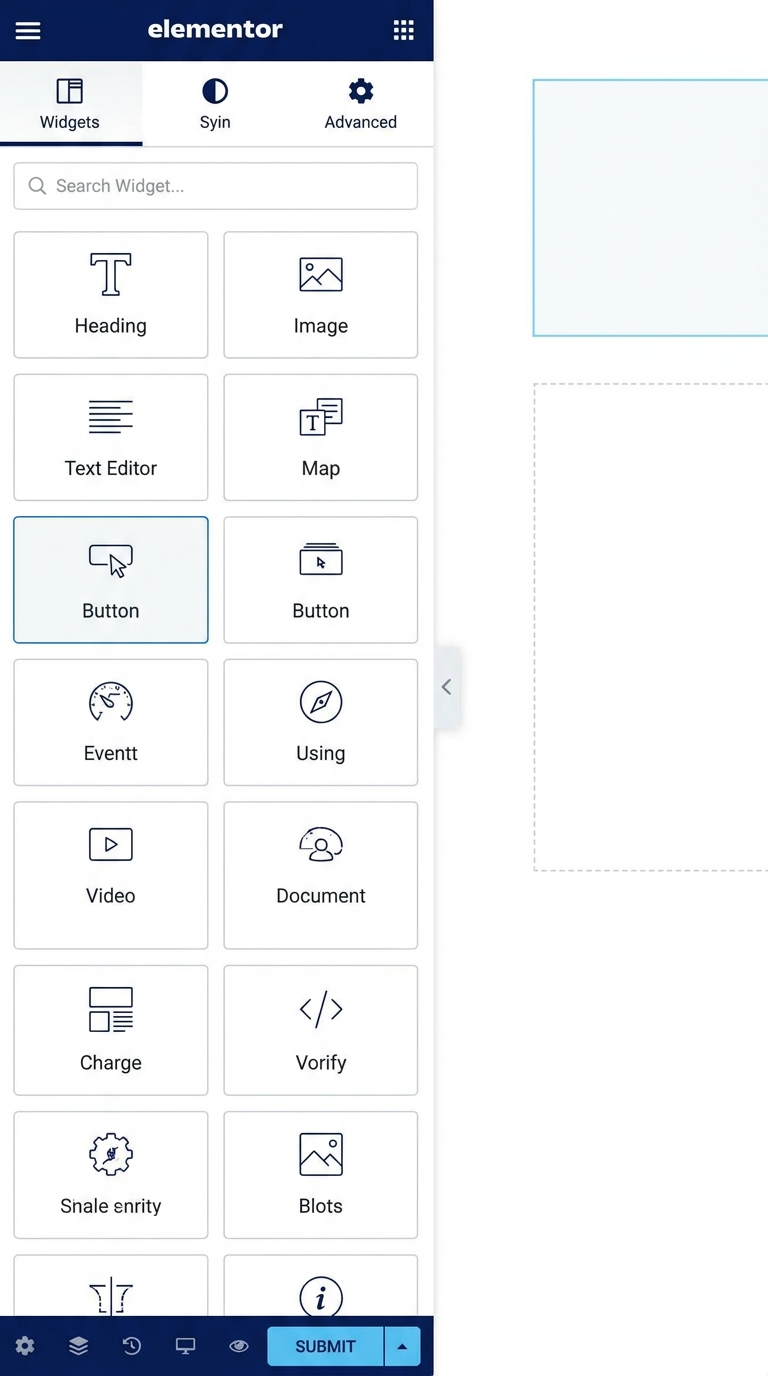
Step 1 — Add Button Widget
Sabse pehle:
- Elementor editor open karo
- Button widget drag & drop karo
- Button text add karo
Example:
- Get Started
- Learn More
- Contact Us
Step 2 — Customize Typography
Ab button ko modern look dene ke liye typography change karte hain ✨
Recommended Settings:
- Font Size: 18px
- Font Weight: 600
- Letter Spacing: 1px
- Text Transform: Uppercase
Ye settings button ko clean aur professional banati hain.
Step 3 — Change Colors
Neon buttons mostly dark backgrounds par best lagte hain.
Popular Neon Colors:
- Blue
- Purple
- Pink
- Cyan
Example:
- Background: Dark Black
- Text: White
- Glow Color: Purple
-
Step 4 — Add Neon Glow Effect ✨
Ab sabse important part — Glow Effect 🔥
Go To:
Style → Box Shadow
Example Settings:
- Horizontal: 0
- Vertical: 0
- Blur: 20
- Spread: 2
- Color: Neon Blue/Purple
Ab button ke around beautiful glowing effect dikhne lagega 😊
Step 5 — Add Border Radius
Rounded buttons zyada premium aur modern lagte hain.
Recommended:
Border Radius: 30px–50px
Ye button ko smooth futuristic look deta hai.
Step 6 — Add Hover Animation
Hover effects button ko aur interactive banate hain ⚡
Hover Effect Ideas:
✔️ Glow increase karo
✔️ Background brighter karo
✔️ Slight zoom effect add karo
Result:
Mouse hover par button aur zyada attractive lagega ✨
Step 7 — Responsive Settings
Responsive design check karna bahut important hai 📱
Mobile aur tablet view me:
- font size
- padding
- alignment
proper check karo.
Har device par button clean dikhna chahiye.
Final Result 🚀
Ab aapka stylish Neon Glow Button ready hai ✨
Ye design:
✅ Landing pages
✅ Portfolio websites
✅ Tech websites
✅ Modern UI projects
me bahut attractive lagta hai.
Pro Tips 💡
✔️ Dark background use karo
✔️ 2–3 colors hi use karo
✔️ Extra glow avoid karo
✔️ Hover animation smooth rakho
✔️ Mobile responsiveness always check karo
FAQs
Neon Button Design kya hota hai?
Neon button ek glowing futuristic button style hota hai jisme bright colors aur glow effects use hote hain.
Kya Elementor me neon buttons without coding bana sakte hain?
Haan 😊 Elementor ke styling options aur box shadow settings se easily neon buttons create kiye ja sakte hain.
Neon UI kis type websites me acha lagta hai?
Gaming, portfolio, tech aur modern landing pages me Neon UI kaafi popular hai.
Conclusion
Neon Glow Buttons aapki website ko modern aur premium look dete hain ✨
Agar aap Elementor use karte ho aur apni website ko visually attractive banana chahte ho, to neon button design definitely try karna chahiye 😊