
Introduction
Aaj almost har professional website me social media icons hote hain jisse visitors directly Instagram, Facebook, LinkedIn ya YouTube profile par visit kar sakte hain.
Agar aap WordPress aur Elementor use karte ho, to social media icons add aur unhe clickable banana bahut easy hai.
Iss beginner-friendly guide me hum step by step dekhenge:
Social icons widget kaha milega
Icons add kaise karte hain
Social media links kaha paste karne hain
Icons ko stylish kaise banaye
Common mistakes kaise avoid kare
Agar aap beginner ho tab bhi easily follow kar paoge 🚀
Why Social Media Icons Important for Website?
Social media icons website ko professional look dete hain aur visitors ko aapke social accounts se connect karte hain.
Benefits of Adding Social Media Icons
✔️ Website professional lagti hai
✔️ Brand trust increase hota hai
✔️ Instagram aur LinkedIn followers grow hote hain
✔️ Visitors easily contact kar pate hain
✔️ Website engagement improve hoti hai
Step 1: Open Your Page with Elementor
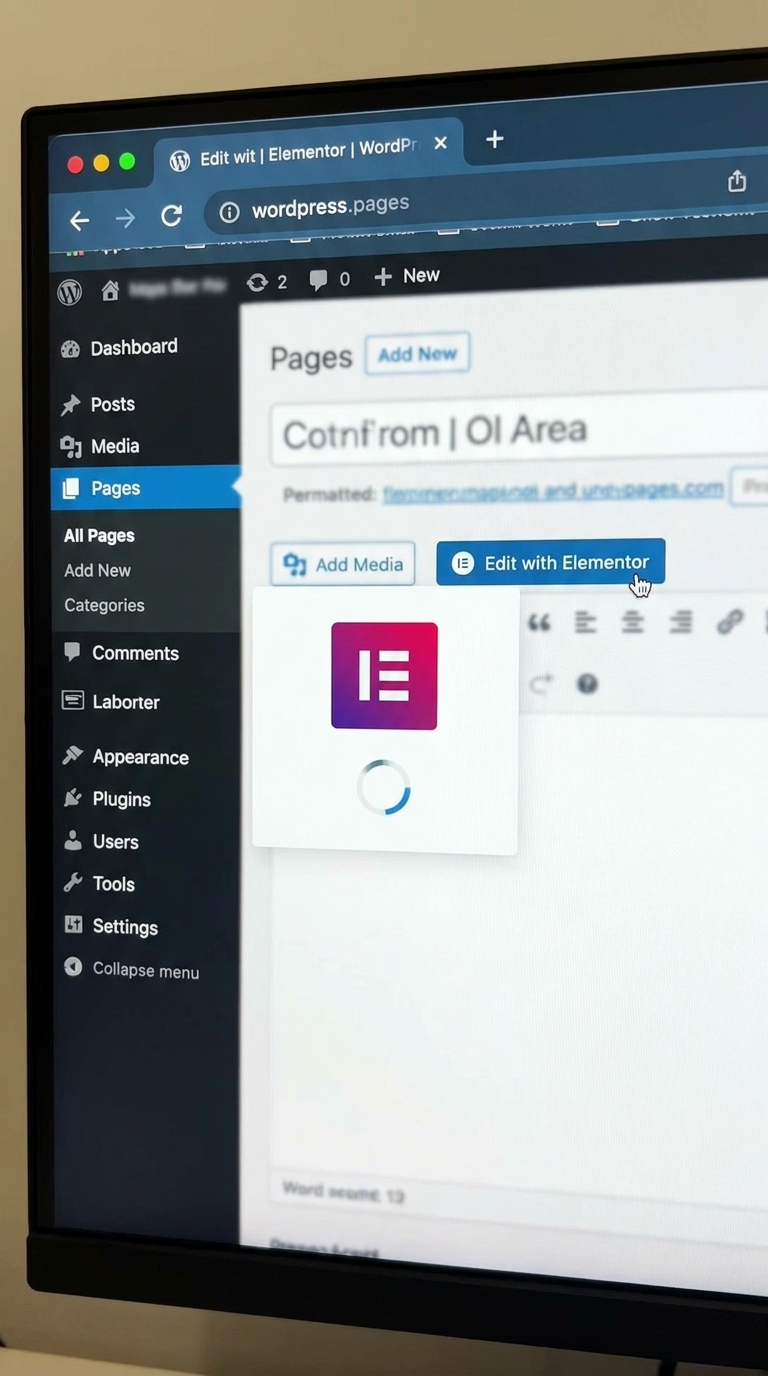
Sabse pehle WordPress dashboard open kare.
Follow These Steps:
WordPress Dashboard me login kare
Pages > All Pages par jaye
Jis page ko edit karna hai uspar click kare
“Edit with Elementor” button press kare
Ab Elementor editor open ho jayega.
Step 2: Search Social Icons Widget
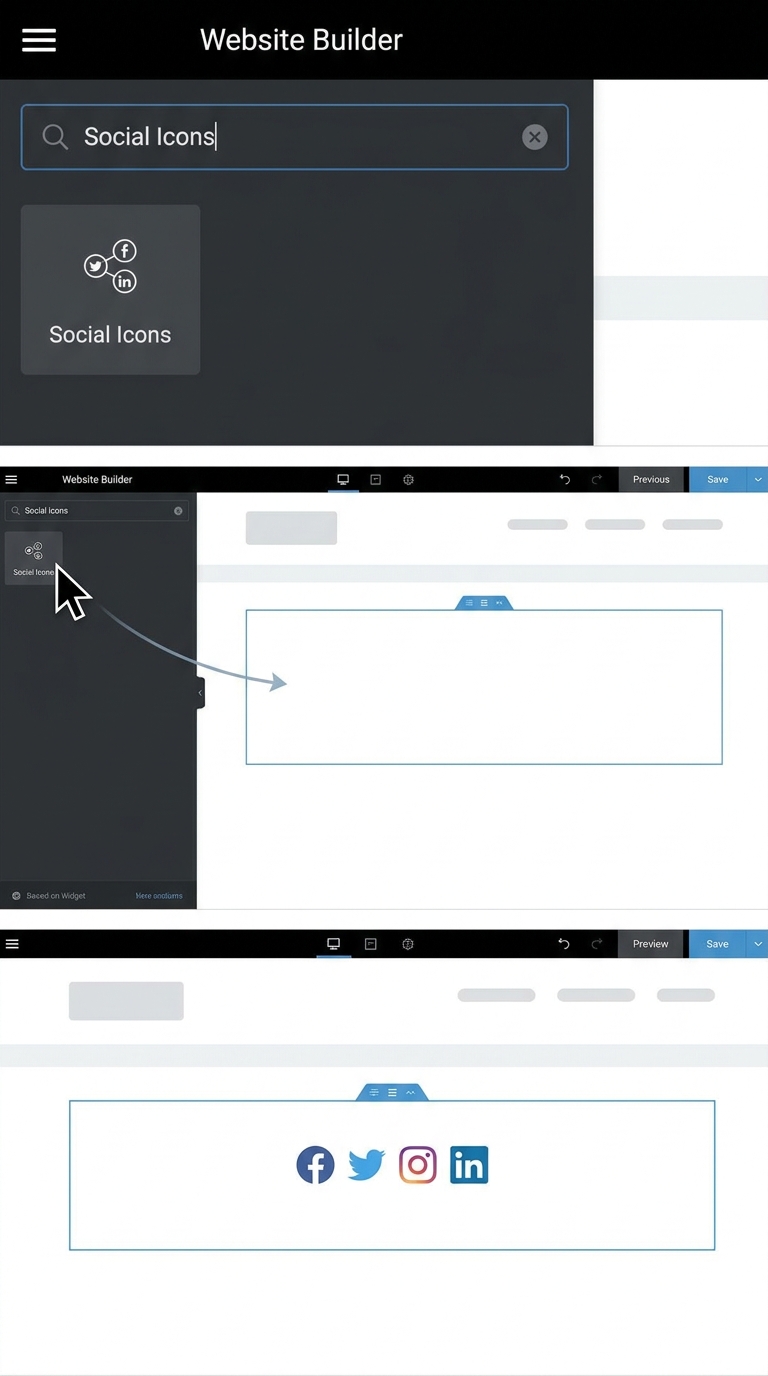
Elementor editor ke left side me widgets panel hota hai.
Kya Karna Hai?
Search bar me “Social Icons” type kare
Social Icons widget ko section/container me drag and drop kare
Jaise hi widget add hoga, default social icons dikhne lagenge.
Step 3: Add Social Media Platforms
Ab aap decide kar sakte ho kaunse social media icons dikhane hain.
Example Platforms:
YouTube
Twitter/X
New Icon Add Kaise Kare?
“+ Add Item” par click kare
Social network choose kare
Har item ek alag social icon hota hai
Step 4: Social Media Links Add Kare
Ye sabse important step hai.
Har social icon ke niche ek Link option hota hai.
Example:
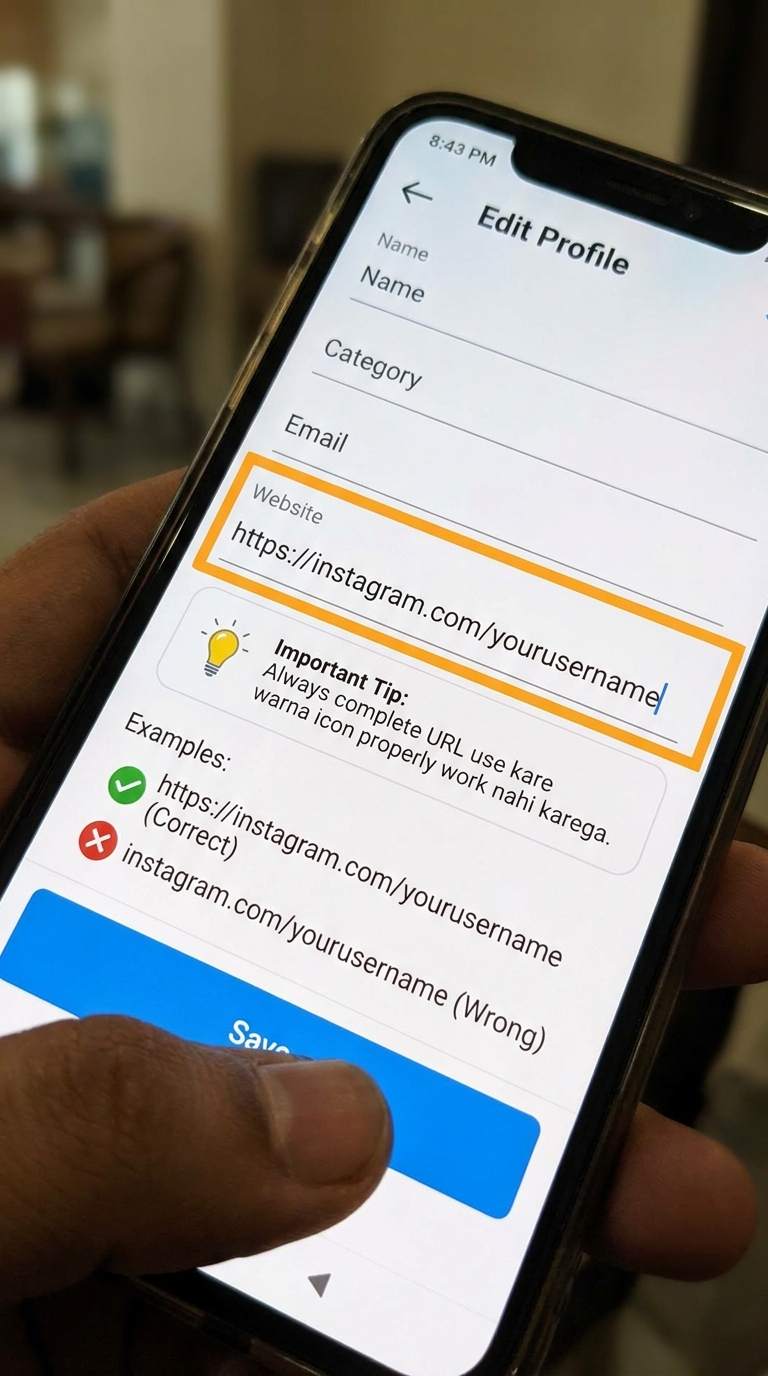
Agar Instagram icon add kiya hai to:
Link field me apna Instagram profile URL paste kare
Correct URL Example:
✅ https://instagram.com/yourusername
Wrong Example:
❌ instagram.com/yourusername
Important Tip:
Always complete URL use kare warna icon properly work nahi karega.
Step 5: Open Link in New Tab
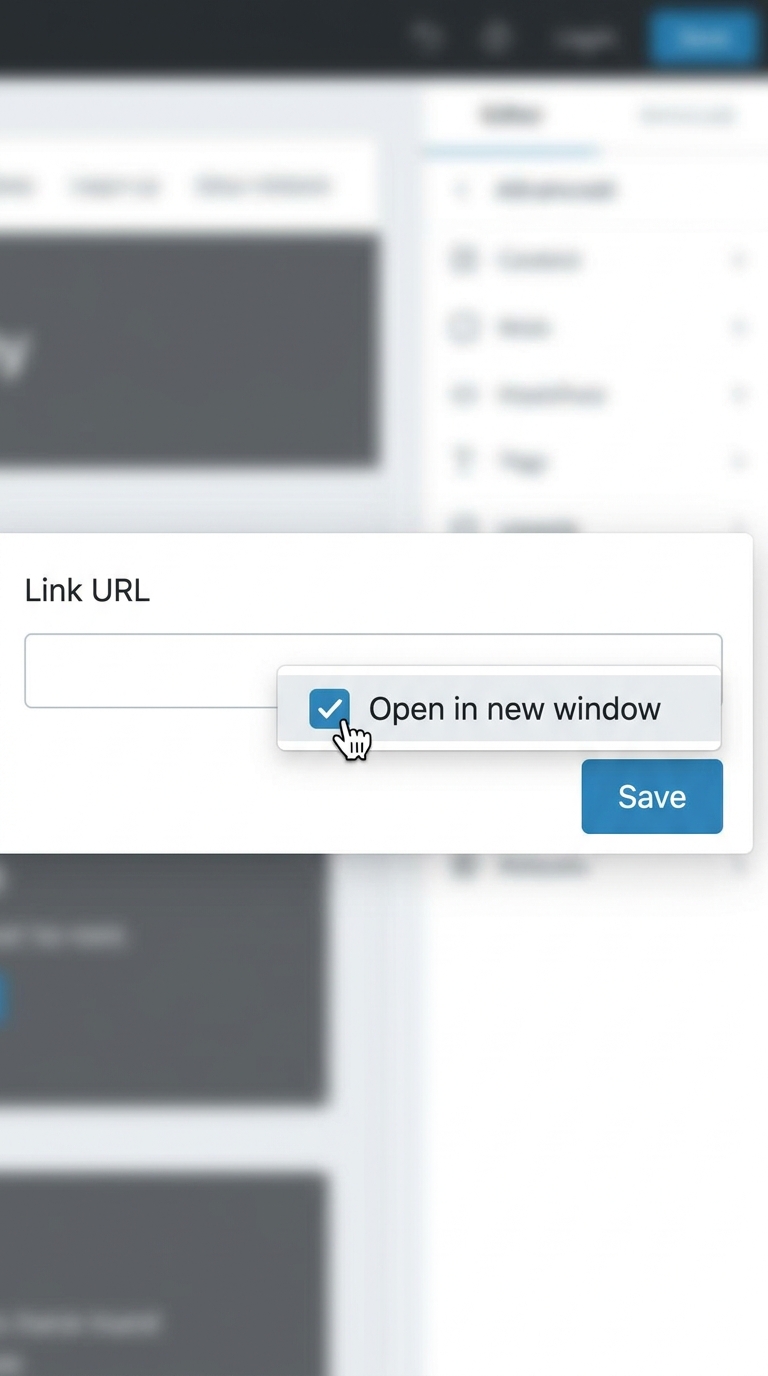
Agar aap chahte ho social media page new tab me open ho to:
Link field ke settings icon par click kare
“Open in new window” enable kare
Isse visitor website se bahar nahi jayega aur better user experience milega.
Step 6: Customize Social Media Icons
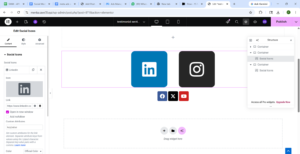
Ab aap icons ka design customize kar sakte ho.
Style Options Available:
1. Color Change
Aap brand colors ya custom colors use kar sakte ho.
2. Icon Size
Icons small ya large kar sakte ho.
3. Shape
Rounded
Square
Circle
4. Alignment
Left
Center
Right
5. Hover Effects
Mouse le jane par animation ya color effect add kar sakte ho.
Ye sab options Style tab me milte hain.
Step 7: Make Icons Mobile Friendly
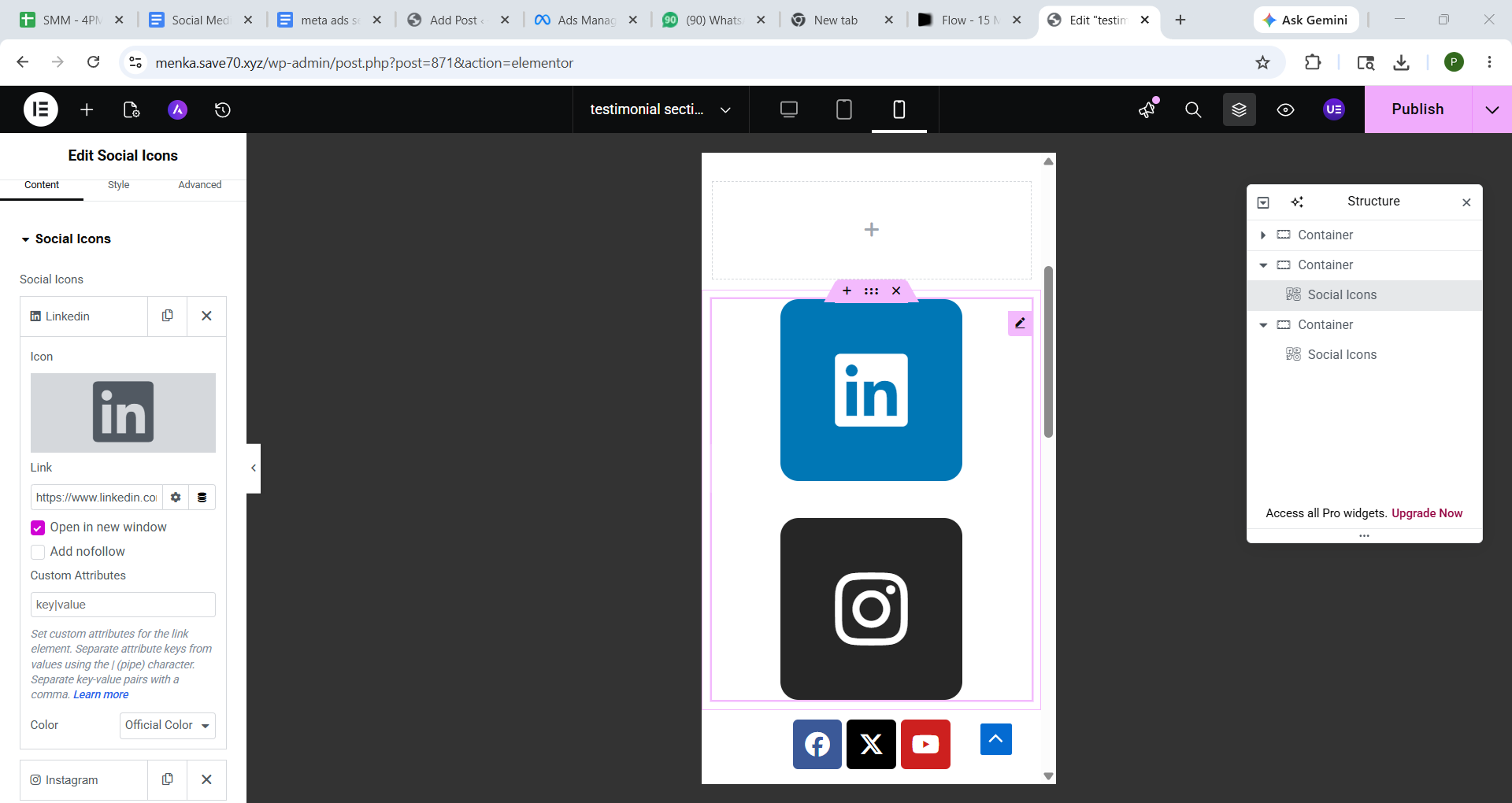
Desktop par perfect dikhna enough nahi hota.
Mobile Responsive Check Kaise Kare?
Elementor bottom bar me responsive mode icon par click kare
Mobile view select kare
Icons ki spacing aur size check kare
Agar zarurat ho to mobile ke liye alag size set kare.
Step 8: Update and Test Icons
Sab complete hone ke baad:
“Update” button par click kare
Website preview open kare
Har social icon par click karke test kare
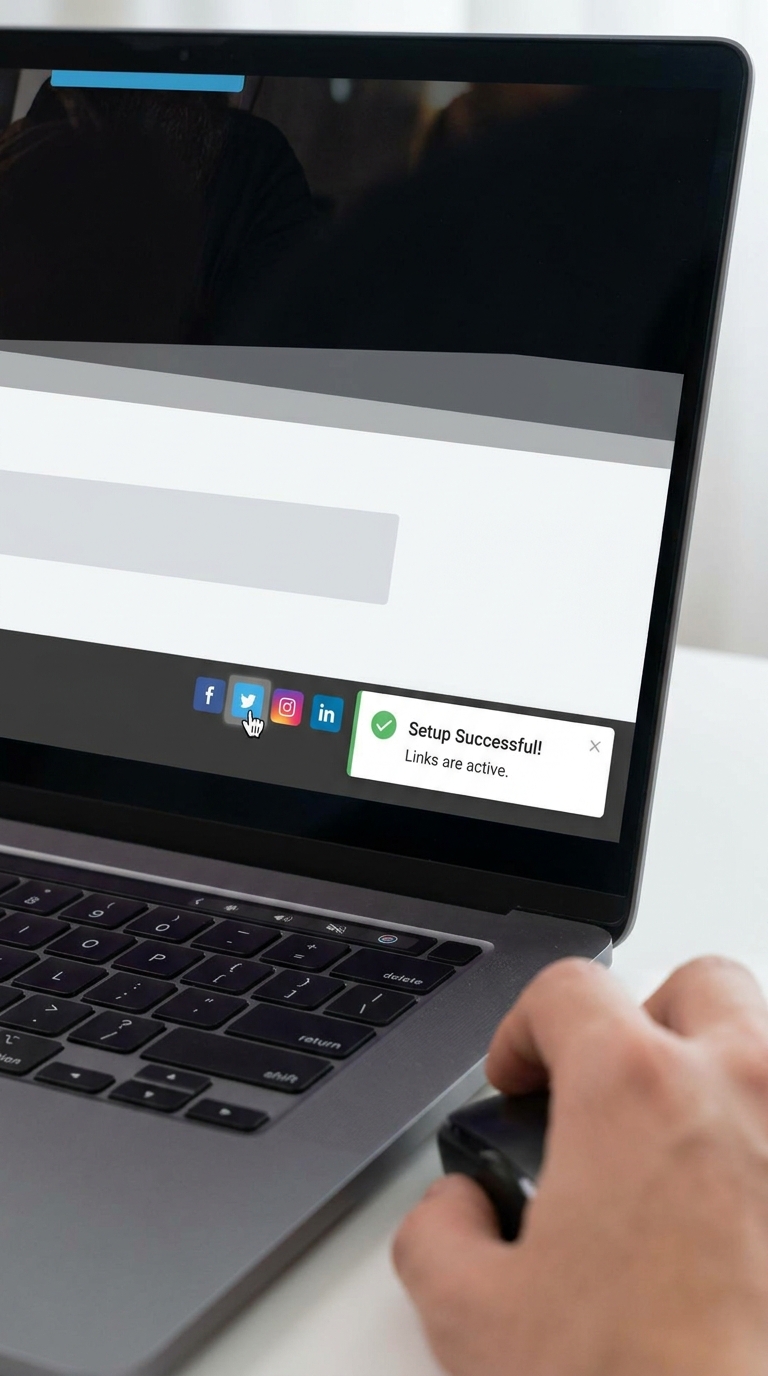
Agar links properly open ho rahe hain to setup successful hai 🎉
Common Mistakes Beginners Make
1. Wrong URL Paste Karna
Incomplete links ka use mat kare.
2. Too Many Icons Add Karna
Sirf important platforms add kare.
3. Mobile View Check Na Karna
Always responsive mode test kare.
4. Random Colors Use Karna
Website branding ke according colors choose kare.
Pro Tips for Better Design
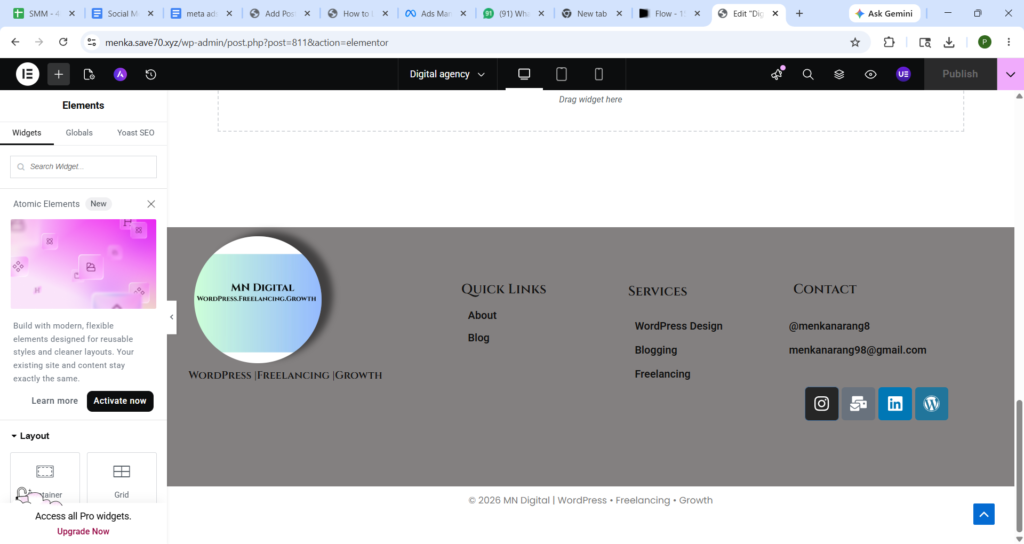
✔️ Header me social icons small rakhe
✔️ Footer me multiple icons use kar sakte ho
✔️ Hover effects add kare for better interaction
✔️ Same icon style maintain kare
✔️ White space properly use kare
Final Thoughts
Elementor me social media icons ko link karna bahut simple process hai. Sirf kuch steps follow karke aap website ko professional aur user-friendly bana sakte ho.
Agar aap beginner ho to ye small customization bhi aapki website branding aur engagement improve kar sakta hai 🚀